- Amigo Wins
- Mobile
Amigo Wins on Android and iOS
The Amigo Wins site adapts to phone screens, so you can play from a browser with no download. Menus collapse into one tap and the Sign up and Login buttons stay at the top.
Open Amigo Wins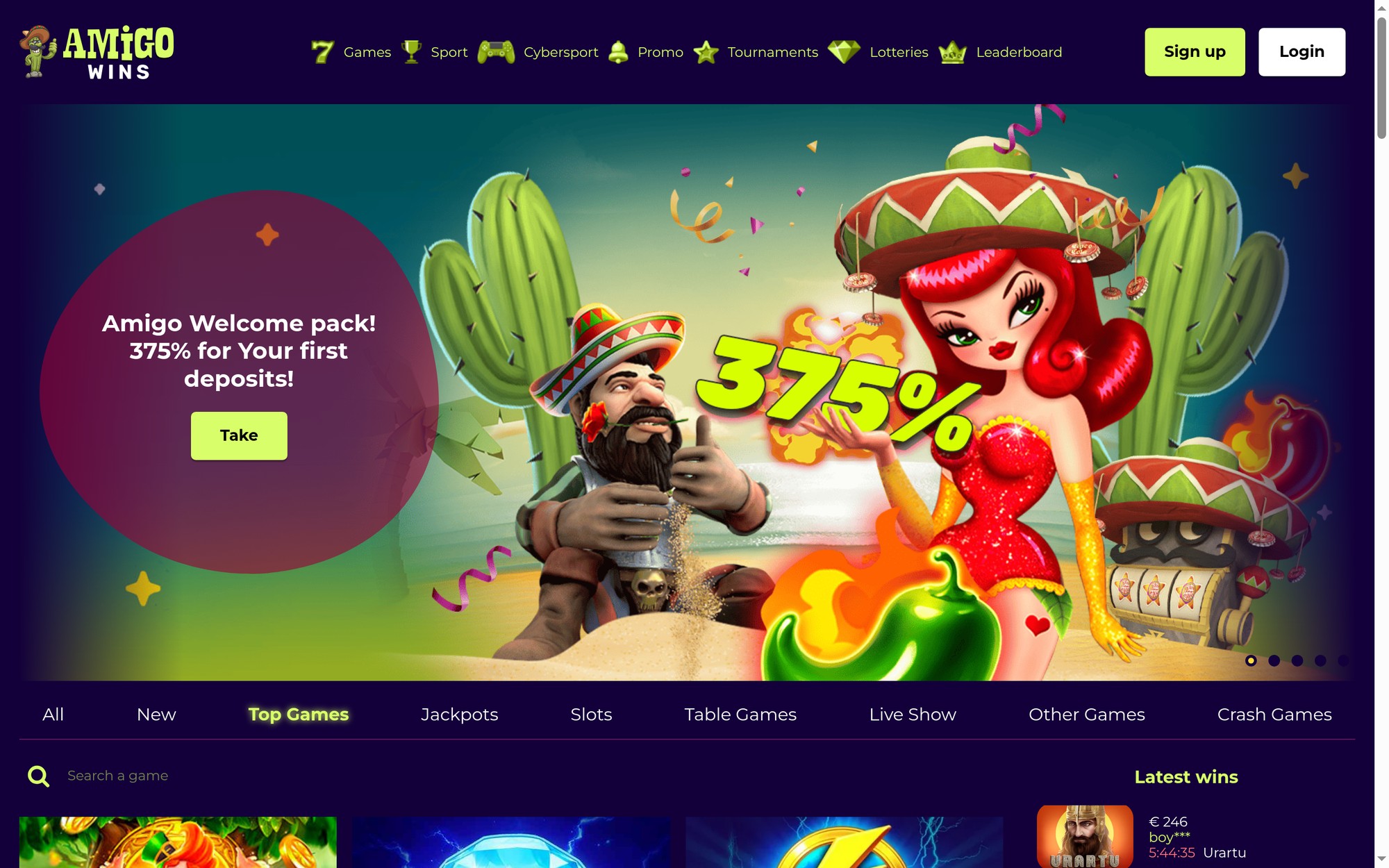
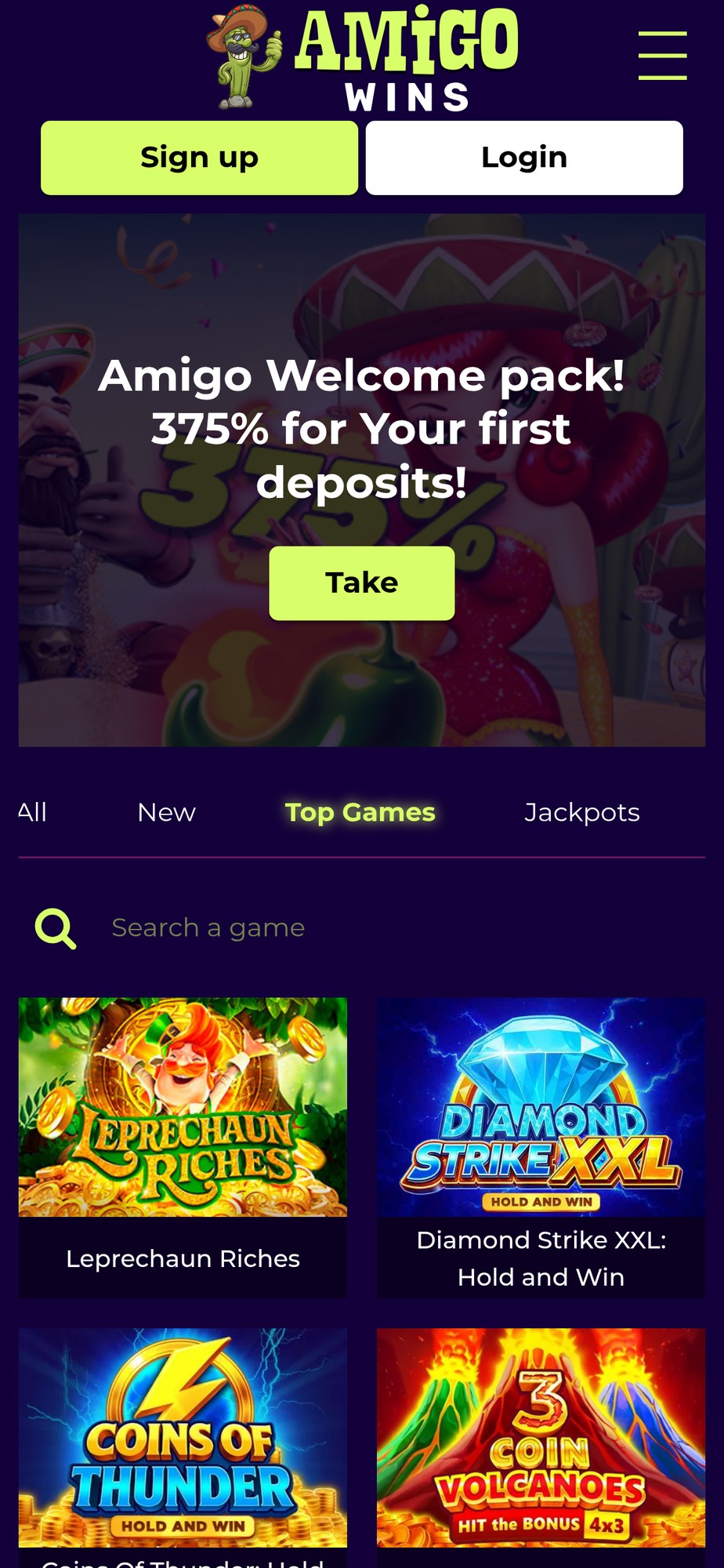
Mobile Benefits
Add It to Your Home Screen
- Open the site in your phone browser.
- Open the browser menu.
- Choose "Add to Home Screen".
Browser Version vs App
The mobile site runs in your phone's browser, so there is nothing to install and no storage needed. You always see the latest version, and it works on common Android and iOS browsers.
If you prefer one-tap access, add the site to your home screen. It then opens like an app, with its own icon. Only install apps from the official site, never from links sent by strangers.
What You Can Do on Mobile
- Register, log in and verify your account.
- Deposit, withdraw and check your balance.
- Browse Top Games, Slots, Jackpots and Live Show.
- Claim promotions and follow tournaments.
- Contact support through the options on the site.
Tips for a Smooth Mobile Experience
- Use a stable connection. Wi-Fi or a strong mobile signal helps live games run without interruptions.
- Keep your browser updated. A current browser loads games faster and works better with the site.
- Turn your phone sideways. Many slots and live tables look better in landscape mode.
- Protect your device. Use a screen lock and never save passwords on a shared phone.
If a Page Doesn't Load
- Refresh the page and check your connection.
- Clear the browser cache or try another browser.
- Contact support if the problem continues.
18+, play responsibly. Help: BeGambleAware (begambleaware.org), GamStop (gamstop.co.uk).